Play Shape Clicker Online Free
Tap randomly spawning colorful targets to train peak reaction speeds.
Loading game...
About Shape Clicker
Welcome to Shape Clicker, an interactive speed and reaction testing game designed to challenge your raw reflexes! Your goal is to watch the screen and click on randomly spawning shapes as quickly as possible. Every time you click a shape, the game records your precise reaction duration in seconds and immediately prepares the next challenge.
The shapes appear at randomized intervals, in various sizes, and with different levels of roundness to test your coordination. Staying relaxed and keeping your cursor near the center of the display area are the keys to setting incredibly fast reaction times. Check your reaction speeds, build your muscle memory, and see how quickly you can click every target!
How to Play
Start Challenge
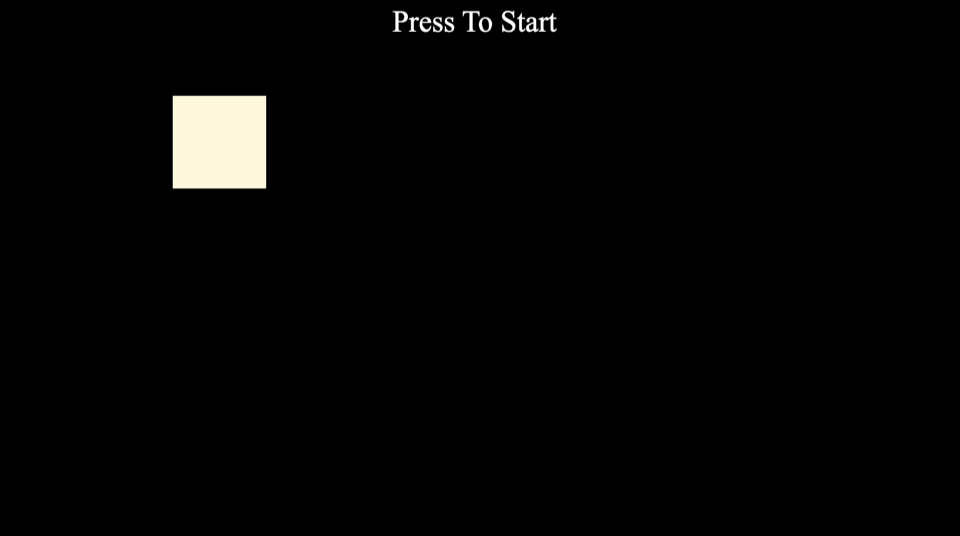
Click the initial box on the screen to trigger the first random spawn timer.
Watch closely
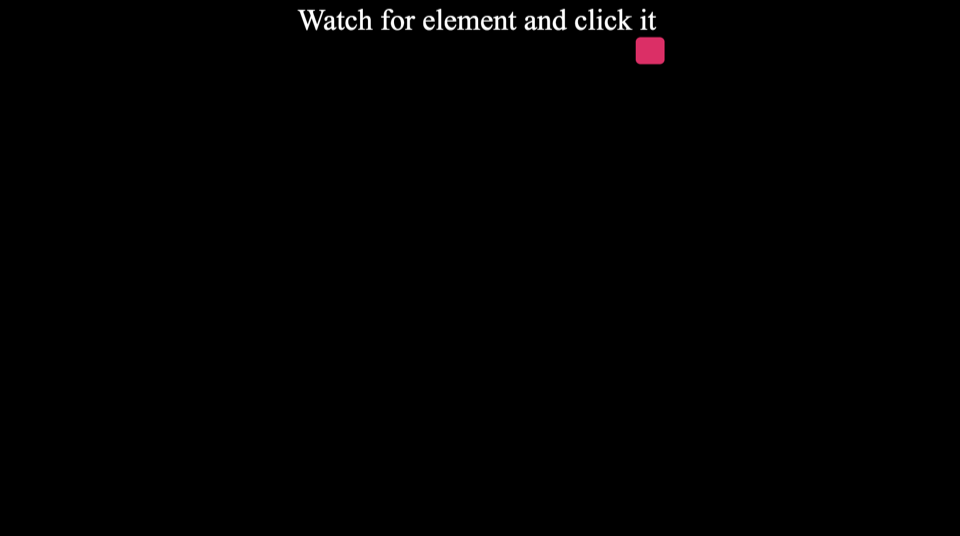
Focus your eyes on the central play area and wait for a colored shape to appear.
Click Target
Slide your mouse cursor or tap your screen directly on the shape as fast as you can.
Check Speed
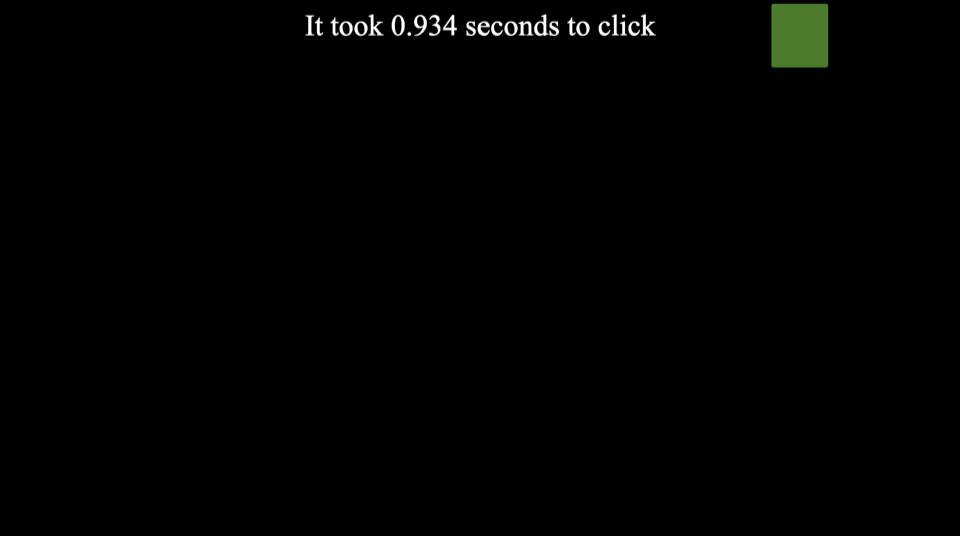
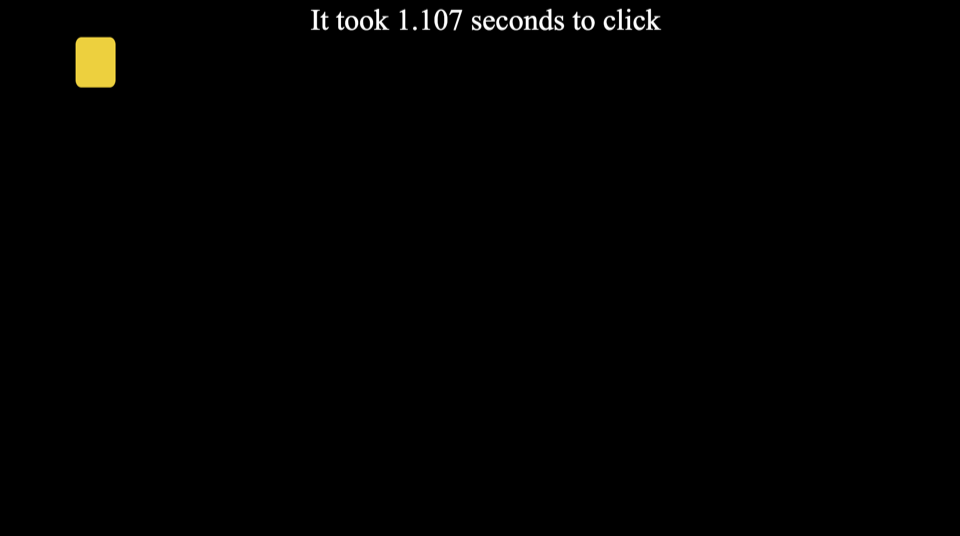
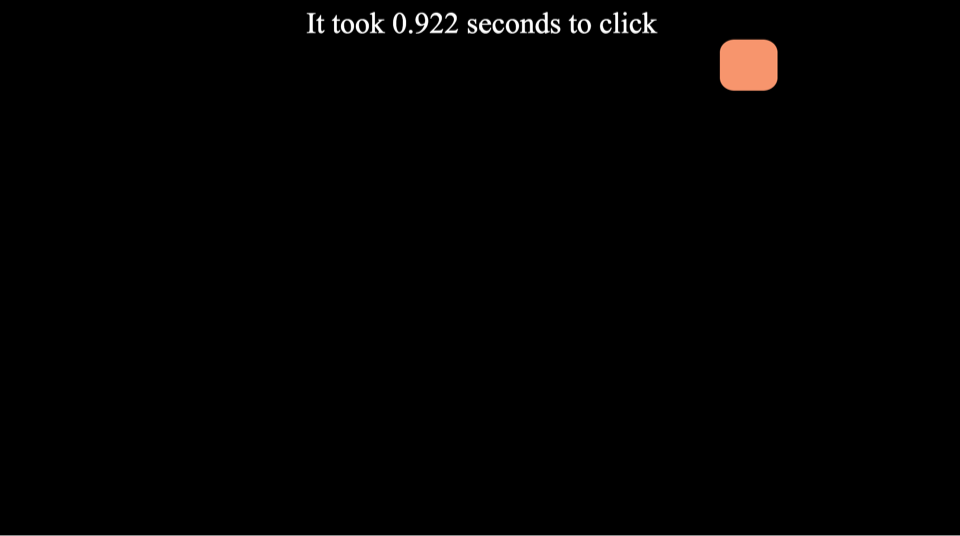
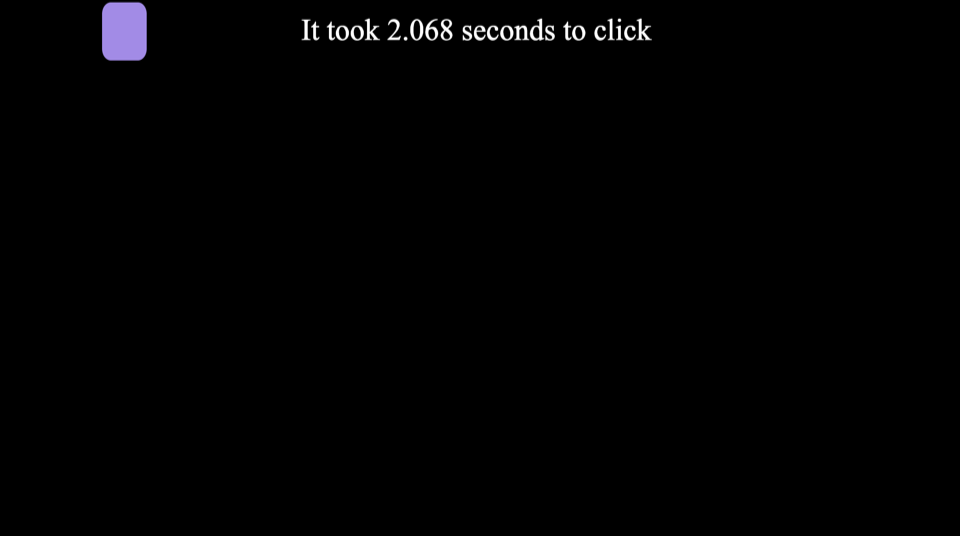
Read the updated message at the top of the viewport to see your precise click duration in seconds.
Center Parking
Return your mouse cursor to the center of the screen after every click to minimize travel distance to the next shape.
Relaxed Focus
Keep your hand and wrist relaxed since muscle tension slows down your motor responses.
Predictive Prep
Avoid clicking randomly because the shape only spawns after the target timer finishes.
Shape Clicker Player Handbook
This reference manual outlines the cognitive science, scaling properties, and physical alignment techniques for mastering Shape Clicker. You will learn cursor parking protocols, target acquisition physics, and how to improve your reaction speeds.
Training your hand-eye coordination demands continuous practice and structured exercises. Let us analyze the game mechanics and look at ways to squeeze every millisecond off your click times.
1. The Science of Reaction Testing
Human reaction speed has been studied in scientific laboratories since the mid-nineteenth century to measure how quickly the brain processes visual cues. These early experiments proved that visual response rates depend heavily on the size and location of the target.
Modern digital reflex training tools build on this research by challenging players to click randomly spawning elements on a screen. This type of practice helps build neural connections between your visual cortex and motor system.
Our web version places this scientific concept inside a minimalist arcade interface that measures your response times instantly. Every round challenges you to spot the spawning shape and move your cursor to click it without delay.
By practicing regularly on this layout, you can train your brain to recognize targets faster and make more accurate adjustments. The simplicity of the game makes it an excellent warmup tool for other precision activities.
Neurological research demonstrates that human visual reaction speed bounds involves multiple stages of neural pathways. First, the eye must register the visual stimulus, and then the brain must send signals to trigger your finger muscles.
Simple reaction times differ from choice reaction times where you must choose between multiple different options. Shape Clicker focuses purely on simple reaction speed to help you establish a baseline response time.
Physical fatigue and mental stress can slow down your neurological responses by dozens of milliseconds. Training when you are fully rested will ensure that your brain records your optimal speeds.
Additionally, standard reaction times slow down gradually as you age. Regular exercise of your motor reflexes helps maintain high coordination levels throughout your life.
2. Click Timing and Spawn Dynamics
The game engine controls the behavior of the targets using a random interval timer that triggers spawns after unpredictable delays. This design prevents you from guessing the exact moment a shape will appear and forces you to rely on raw visual detection.
The shapes themselves vary in size from small circles to larger rounded squares to test your precision. Smaller shapes are much harder to click quickly because they require a higher level of motor control and slower, more deliberate pointer adjustment.
When a shape appears, a timestamp is recorded to measure the exact millisecond the target entered the play field. When you click the element, the engine calculates the difference and displays your final reaction duration.
Because the delay is randomized between zero and three thousand milliseconds, your brain cannot settle into a predictable rhythm. This constant variance simulates real-world reflex scenarios where targets appear with zero warning.
Furthermore, the shapes randomize their border radius from sharp squares to perfect circles on every single spawn. This variation forces your visual processing system to constantly recalculate the center of mass of the target before triggering the click.
The randomized delay interval in our game engine is computed using the high-precision performance clock of the browser. This clock measures timings in fractional milliseconds to guarantee the absolute accuracy of your score.
Every shape that spawns is colored randomly to test your visual processing of different wavelengths. Some colors may stand out more clearly against the dark background, while others require more focus.
If you click too early before a shape appears, you will interrupt the timer and cause a delay. This penalty encourages you to control your twitch responses and click only when a target is visible.
The coordinate boundaries of the spawn zone scale dynamically to fit your screen size. This scaling ensures that players on both desktop and mobile experience the same relative difficulty.
3. Grip Styles and Cursor Parking
To achieve the fastest click times, you must return your mouse cursor to the exact center of the grid after every click. This parking strategy minimizes the maximum distance your hand has to travel when the next shape spawns.
How you hold your mouse also plays a major role in your overall pointing accuracy and muscle speed. Using a light claw grip gives you more fingers for micro-corrections than a heavy palm grip.
Try to keep your wrist and hand as relaxed as possible while waiting for the next shape to appear. Tensing your muscles in anticipation actually slows down your physical movement trigger by a fraction of a second.
When playing on mobile touch screens, use your dominant thumb or index finger to tap the elements directly. Hovering your hand closely above the screen surface will help reduce your physical finger travel time.
Focusing on accuracy is much more valuable than trying to click as fast as possible without looking. Missing a target entirely wastes a massive amount of time because you must reposition your hand and wait for a completely new spawn.
Additionally, positioning your monitor at eye level helps reduce visual distortion when tracking targets near the outer edges of the play screen. Proper physical posture ensures that your shoulder and arm move fluidly without any restriction.
Using a high-quality mouse with a high polling rate can reduce input lag by several milliseconds. Ensuring your mouse pad is clean will also prevent tracking errors during rapid movements.
If you play on a laptop, using a dedicated plug-in mouse is highly recommended over a standard trackpad. Trackpads restrict your hand movement and generally result in much slower reaction times.
Make sure to adjust your mouse sensitivity settings in the system control panel to find a comfortable speed. A sensitivity that is too high will cause you to overshoot the targets constantly.